An AI Employee for HubSpot CRM, the Operator Playbook
What an AI Employee actually does inside HubSpot, workflow by workflow, and where the human line sits on each one. No hype, just the operator work it takes off a CRM manager's plate.
Quick answer
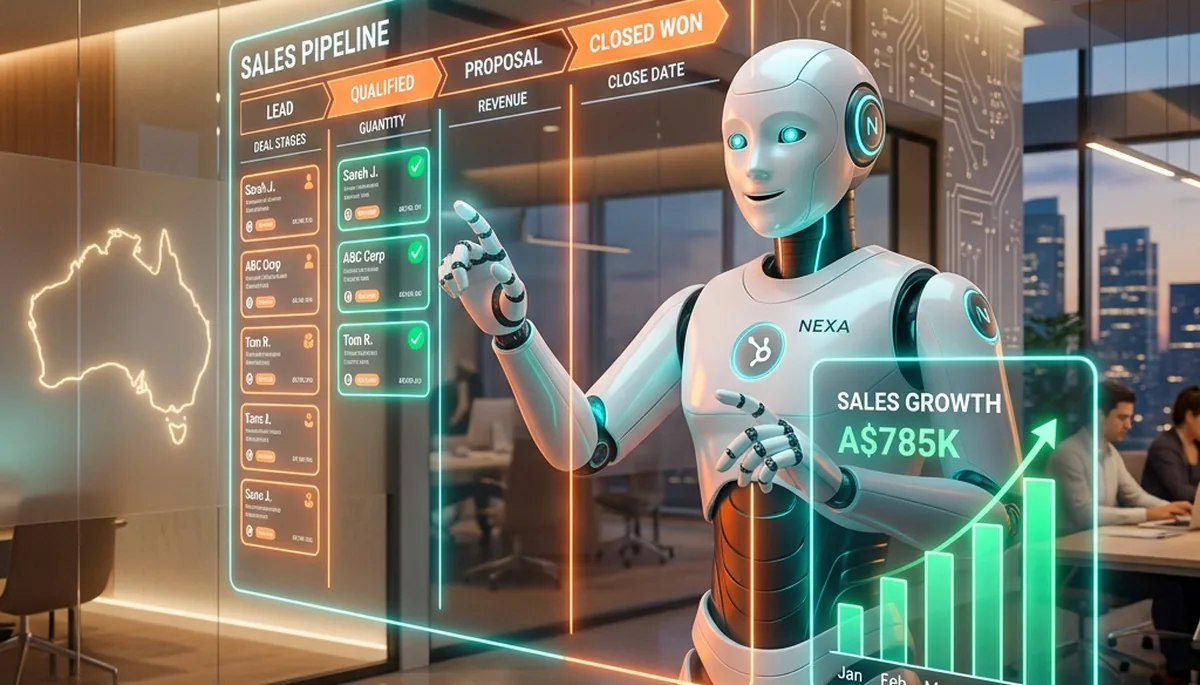
An Agentive AI Employee connects to HubSpot through the official OAuth API and runs the operator work a CRM manager does all week: qualifying inbound leads against your criteria, keeping deal stages honest, building meeting prep packs before calls, drafting and sequencing follow-ups, logging every interaction, and producing pipeline reports on demand. It drafts at machine speed and queues anything material, an outbound send, a stage change on a big deal, for a human to approve. This playbook walks through each workflow, function by function, and shows where the human line sits on every one.
Why HubSpot Is a Natural Home for an AI Employee
HubSpot is where a growing Australian business keeps the truth about its customers: who they are, what they want, where they sit in the pipeline, and what was said last. The problem is that this truth decays the moment a busy week hits. Leads pile up unqualified, deals drift out of stage, follow-ups get promised and forgotten, and half the calls happen without anyone having read the last three emails. The CRM does not fail because the software is weak. It fails because keeping it accurate is relentless manual work, and manual work loses to a full calendar every time.
This is exactly the gap an AI Operation Engine fills. HubSpot exposes a genuinely capable API, so the AI Employee does not screen-scrape or click around a browser like a fragile macro. It authenticates through HubSpot's own OAuth flow, requests the exact scopes it needs, and reads and writes through supported endpoints. The connection is finite, auditable and revocable, which is the posture any team needs before it lets anything near its customer records. What follows is the reframing that matters: the integration is not a bot filling fields faster. It is an operator that understands the pipeline, does the preparation grind, and hands a human the decisions.
Lead Qualification: The First Job It Earns Trust On
Qualification is where most teams start, because it is high volume, criteria-driven, and easy to check. New contacts arrive from forms, inbound emails, ad clicks and events, and someone has to decide which are worth a salesperson's time. Done by hand, it is slow and inconsistent: the same lead scores differently depending on who looks at it and how tired they are on a Friday afternoon.
An AI Employee reads each new contact and the context around it, the form fields, the email body, the company details, any enrichment it can verify, and scores the lead against the fit and intent rules you define. It sets the lifecycle stage, updates the relevant properties, and routes genuinely hot leads to the right owner with a short note: "asked about pricing for a 12-seat team, referred by an existing customer, worth a call today". Where a lead is ambiguous, it does not force a score. It flags the record with a reason and leaves the judgement to a human. Over the first fortnight, as it learns which leads your team actually converts, the confident batch grows and the flagged pile shrinks. The scope of this sits inside the marketing skill, which drives the CRM, content and campaign side of the operation.
Deal Stage Hygiene: The Pipeline a Manager Can Trust
Every sales manager knows the quiet horror of a pipeline review where half the deals are wrong. A deal marked "proposal sent" that has had no activity in six weeks. A "closing this month" deal with no close date and no amount. A stage that says one thing while the last logged email says another. These are not edge cases; they are the default state of a CRM that people update when they remember to. And they poison forecasting, because a forecast built on stale stages is fiction with a dollar figure attached.
An AI Employee audits the pipeline continuously for exactly these problems. It watches for deals sitting past the normal cycle time for their stage, missing close dates or amounts, stages that contradict the last logged activity, and deals with no defined next step. Each issue is flagged with a plain-English reason, and where the rule is unambiguous, the correction is proposed for one-click approval: "no activity in 45 days, propose moving to nurture and setting a follow-up task". The human decides on the deals that need a decision; the AI handles the mechanical tidy-up that no one ever schedules. The outcome is a pipeline a manager can actually trust on a Monday morning, which is the whole point of having one.
Meeting Prep Packs: Walk into Every Call Ready
The difference between a good sales call and a wasted one is usually preparation, and preparation is the first thing to fall over when the calendar is full. Nobody has time to read six months of email history, the last three deal notes and the open support ticket before a 10am call, so most people wing it and hope the client does not notice.
An AI Employee builds a meeting prep pack ahead of every scheduled call. It pulls the contact and company record, the deal history, the last several interactions across email and notes, any open tickets, and the current pipeline position, then writes a short brief: who you are meeting, where the deal stands, what was last discussed, what they asked for, and the two or three things worth raising. The brief lands in your inbox or chat before the call, so a rep who has not thought about the account since last month walks in sounding like they never left it. This is the kind of judgement-heavy synthesis that native CRM automation cannot do, because it requires reading unstructured history and deciding what matters, which is precisely what an AI Employee is for.
Follow-Up Sequencing That Reflects the Real Conversation
Most deals are lost in the gaps between conversations, not in the conversations themselves. The follow-up that never went out, the "I'll circle back next week" that no one circled back on, the quote that sat unopened with no nudge. Generic sequences help, but a customer can smell a template, and a template that ignores what was actually said reads worse than silence.
An AI Employee drafts follow-ups that reflect the specific conversation on file. After a call, it reads the notes and writes the next message: referencing what was discussed, attaching what was promised, and matching the tone to the relationship. A warm note to a long-standing contact reads differently from a firmer nudge to a prospect who has gone quiet on a live quote, and the AI writes to the situation. Drafts land in a review queue where the team wants a human eye, then go out from the real inbox; high-volume, low-risk touches can be set to auto-send once the pattern is trusted. Crucially, nothing customer-facing leaves without approval unless you decide it should. The two effects show up fast: fewer deals die of neglect, and the small opportunities that used to sit under the "too busy to chase" line finally get followed.
Activity Logging: The Unglamorous Work That Makes Everything Else Work
Ask any salesperson what they hate most about CRM and the answer is logging. Every call, every email, every meeting is supposed to be recorded against the contact and the deal, and almost none of it is, because logging happens after the value has already been captured in the rep's head. The cost is invisible until it is not: a colleague picks up an account with no history, a manager reviews a deal with no trail, a report is built on data that was never entered.
An AI Employee logs the interactions that flow through the systems it is connected to. It captures emails against the right contact and deal, records meeting outcomes as notes, creates and completes tasks, and keeps the timeline accurate without anyone thinking about it. This is unglamorous, high-value hygiene, the same class of work as keeping a contacts list clean or a ledger consistent, and it directly improves the accuracy of every report and every prep pack downstream. A CRM is only as reliable as its activity history, and this is how that history stops depending on human memory.
Reporting on Demand, in Plain English
HubSpot's own dashboards are strong, but they answer the questions you set up in advance. The questions that actually come up in a Monday meeting, "which deals slipped this week and why", "what did we win last month and where did it come from", "which reps have deals with no next step", tend to need someone to go and build a view. An AI Employee answers them from a plain-English request and hands back a written summary or a generated report.
Ask for the state of the pipeline and it pulls the numbers, spots the movement, and tells you what changed rather than just what the totals are. Ask for a lead-source breakdown and it produces the figures with the context a human would add. The output can be a chat message, a PDF, or a spreadsheet, whichever suits the audience. This closes the loop: the AI keeps the data clean going in, and pulls the answers back out, so the CRM stops being a place data goes to rot and becomes something the team actually asks questions of.
What the AI Runs, and What a Human Owns
The single most important table in this playbook. Every workflow the integration touches falls into one of two columns: operator work the AI Employee does at speed, and decisions a human owns.
| HubSpot Workflow | AI Employee Does | Human Owns |
|---|---|---|
| Lead qualification | Scores, enriches, routes, flags the unsure ones | Approves routing, judges ambiguous leads |
| Deal stage hygiene | Audits pipeline, proposes corrections | Approves stage changes that reflect a decision |
| Meeting prep | Builds the brief from full history | Runs the meeting, makes the call |
| Follow-up sequencing | Drafts messages that reflect the conversation | Approves the send where the team wants it |
| Activity logging | Captures emails, notes, tasks automatically | Adds judgement notes where it matters |
| Reporting | Pulls figures, writes the summary on demand | Decides what to do with the answer |
AI Employee vs HubSpot's Native Automation
A fair question at this point: HubSpot already has workflows, so why add an AI Employee? The answer is that the two do different jobs and work best together. HubSpot's native automation is rule-based. It fires when a trigger you defined in advance is met: if a form is submitted, do this; if a deal reaches this stage, send that. It is fast, reliable and deterministic, and for the deterministic paths in your pipeline it is exactly the right tool.
What rules cannot express is judgement. A rule cannot read an unstructured email and decide whether it is a real lead or a supplier pitch. It cannot write a follow-up that reflects what was actually said on a call. It cannot look at a deal that passes every rule and sense that it is wrong. That is the work an AI Employee does, and it is why the sensible pattern is to run HubSpot automation for the deterministic paths and an AI Employee for everything that needs a brain. The broader tech-stack picture, connecting the CRM to e-commerce, email and the rest of the tools, is covered in the HubSpot and Shopify integrations guide.
Where an Agency Wins the Most
For a single business with one HubSpot portal, an AI Employee is genuinely useful. For a marketing or sales agency running campaigns across a book of clients, it is transformative, and the reason is the same one that makes multi-organisation support matter in the finance world: scale. An agency's team burns its week on the exact operator work this playbook describes, qualifying leads, tidying pipelines, prepping calls, chasing follow-ups, building reports, repeated across every client account. The work is not hard; the volume and the context switching are what crush a strong team.
An AI Employee runs the same playbook across each client's CRM and reports the exceptions per account in a consolidated view, so a senior person reviews a short list instead of living inside a dozen portals. That is the difference between an agency capped by headcount and one that can take on the next client without hiring for it. The full version of this argument, with the workflows an agency puts an AI Employee to work on, sits on the AI Employee for agencies page.
Your Customer Data Stays in Australia
A CRM holds some of the most sensitive data a business owns: customer contact details, deal values, conversation history, commercial intent. Handing that to an AI is a reasonable thing to be cautious about, and the architecture is the answer. Each Agentive AI Employee runs single-tenant on AWS Sydney, performs all AI inference inside Australia, and never moves data outside Australian borders. The HubSpot connection uses OAuth-scoped, least-privilege access, so the AI can only touch what its skill bundle allows, and every action it takes is written to an immutable audit log you can inspect.
For teams that carry regulatory weight, the deployment is aligned with APRA CPS 234, ASIC RG 255 and Tax Practitioners Board obligations where they apply. This is the same sovereign posture that lets Agentive's finance operations touch client books, applied to your customer data. Your CRM does not become a training set for someone else's model, and it does not leave the country. That is not a feature bolted on; it is the reason the architecture is built the way it is.
Getting Started, and the First Fortnight
The connection itself is a standard OAuth authorisation and takes minutes. The value takes a little longer, because the AI Employee spends the first week or two learning the shape of your operation: your pipeline stages, your qualification criteria, your naming conventions, and your review preferences. The right way to start is narrow. Pick one workflow you trust it to check, usually lead qualification or deal hygiene, run it with everything landing in a review queue, and watch what it proposes against what you would have done.
As the confident batch grows and the flagged pile shrinks, you widen the scope: add follow-up drafting, then meeting prep, then reporting, then let the low-risk touches auto-send. Inside a fortnight most teams have an AI Employee handling the operator layer of their CRM, and a sales or marketing lead who spends their week on conversations and closing rather than on data entry and chasing. If you want the full model behind how the skills fit together, the AI Employee pillar page lays out the architecture and the finance-first roadmap that sits alongside the marketing and CRM work.
Agentive builds sovereign AI Employees for Australian businesses, single-tenant on AWS Sydney, with all inference inside Australia and every action audit-logged. Founded by Dr Ash Khalilian, a Data Governance specialist with a PhD in Information Systems, Agentive is finance-first by design and extends the same operator model into marketing, sales and CRM. Learn more at agentive.au.
See the HubSpot Playbook Run on Your Own Pipeline
Bring one HubSpot portal you know well. We will connect an AI Employee, run a live lead-qualification and deal-hygiene pass, and show you exactly what lands in the review queue. No deck, no obligation.